
How to Search Travis County Court Records
The official tool is the Travis County Odyssey Portal. It searches case records and documents for the County Clerk, the District Clerk, and the Probate Court in one place. You do not need to register to run a public search. The home screen confirms the three offices it covers, then sends you to Smart Search. The system runs on a Tyler Technologies platform and needs JavaScript and cookies turned on.
Have your basics ready before you click. A name works. A cause number works better. Names go in Last, First Middle Suffix order and are not case sensitive. The Odyssey Portal home page is the correct starting point for any county record search.
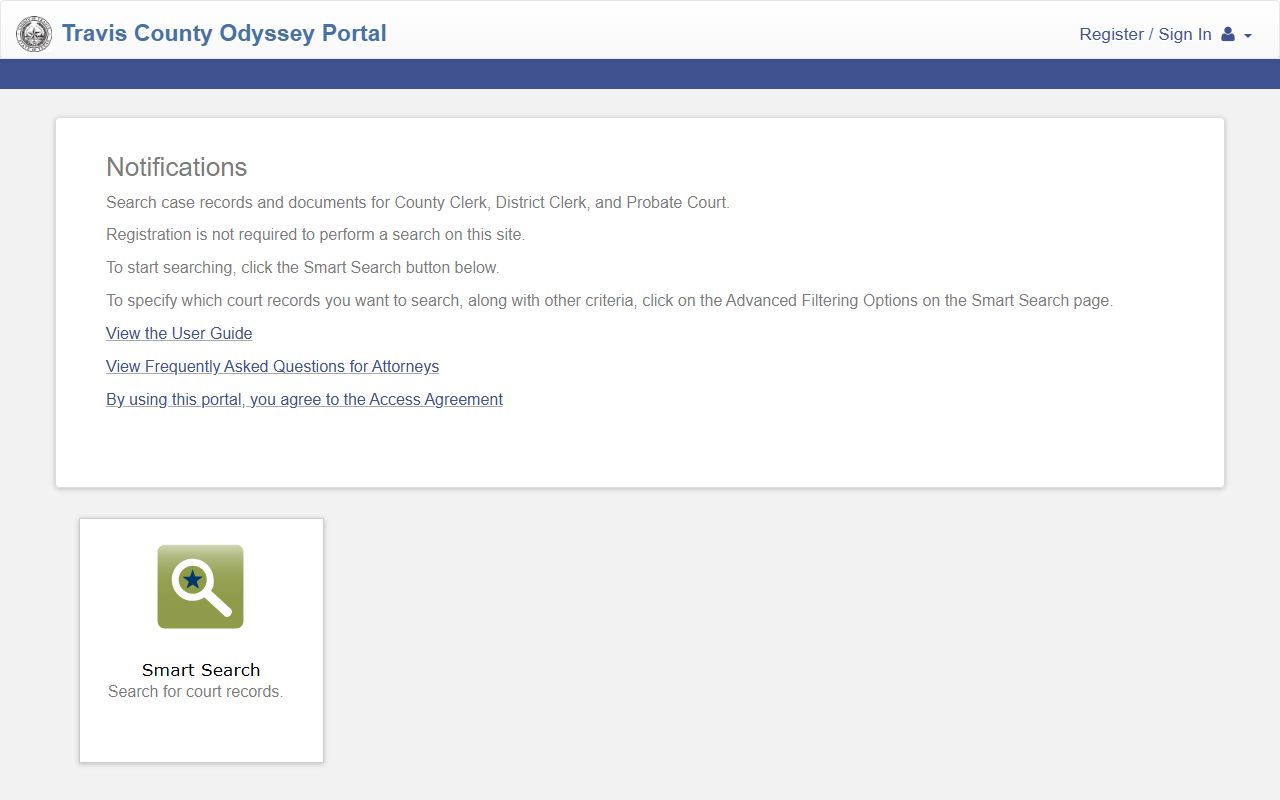
From that home page, one click opens Smart Search, where the real work happens. Follow these steps for a clean search.
- Open the portal and confirm it lists County Clerk, District Clerk, and Probate Court.
- Click Smart Search.
- Type a case number or a name. For a wildcard, use three or more last-name letters plus an asterisk.
- Open Advanced Filtering Options to pick a clerk, a case type, a date range, or a judge.
- Submit and sort the results by any column header.
- Click a case number to open the case summary, hearings, and events.
Travis County Court Records Search Fields
The Smart Search screen takes more than a last name. The main field accepts a record number or a name, and Advanced Filtering Options unlock party, case, and judgment criteria. The county caps results at 200, so a tight search beats a broad one when the name is common. The Smart Search screen lays out each input.
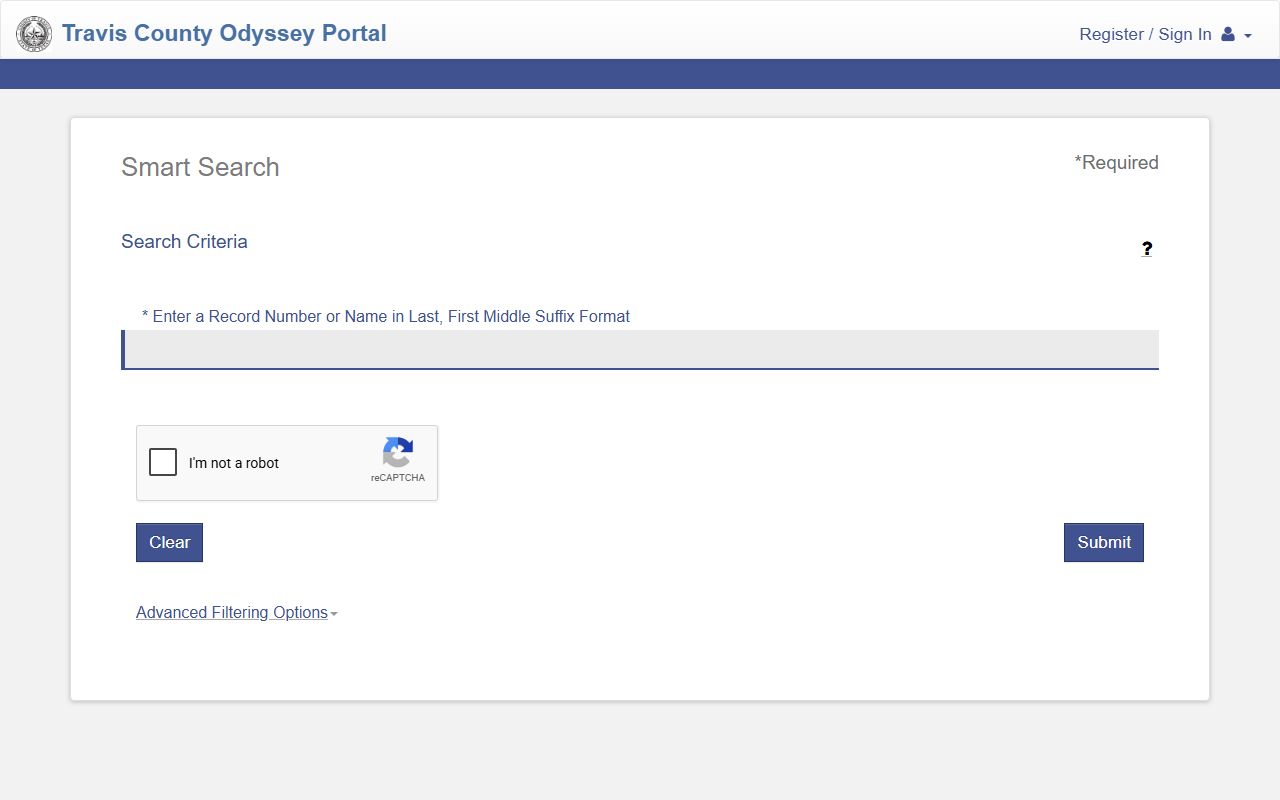
That screen is where you switch between a case-number search and a party-name search. The table below lists the main fields.
| Field Label | Type | Required | Notes / Format |
|---|---|---|---|
| Record Number or Name | Text | Yes | Last, First Middle Suffix; case-number wildcard needs 4+ characters |
| Last Name | Text | Party mode | Wildcard needs 3+ letters plus an asterisk |
| First Name | Text | Party mode | Wildcard needs 1+ letter plus an asterisk |
| Filter by Location | Checkbox | No | All Locations, County Clerk, District Clerk, Probate Court |
| Filter by Date of Birth | Date | No | From and to range to split common names |
| Filter by File Date | Date | No | Start and end range |
For a County Clerk cause-number search, the County Clerk box must be checked first. Coverage differs by office. District Clerk family and civil cases run from 2006 and criminal from 2008. County Clerk misdemeanor data starts in January 1981.
Types of Travis County Court Records
Court records in Travis County cover the full range of cases, and the producing court decides which clerk keeps the file. Felony files are District Clerk records. Class A and B misdemeanors are County Clerk records. Knowing the type points you to the right office and tells you how much is public.
The District Clerk FAQ explains the case codes that label each file. The District Clerk FAQ spells out the identifiers you will see in a cause number.
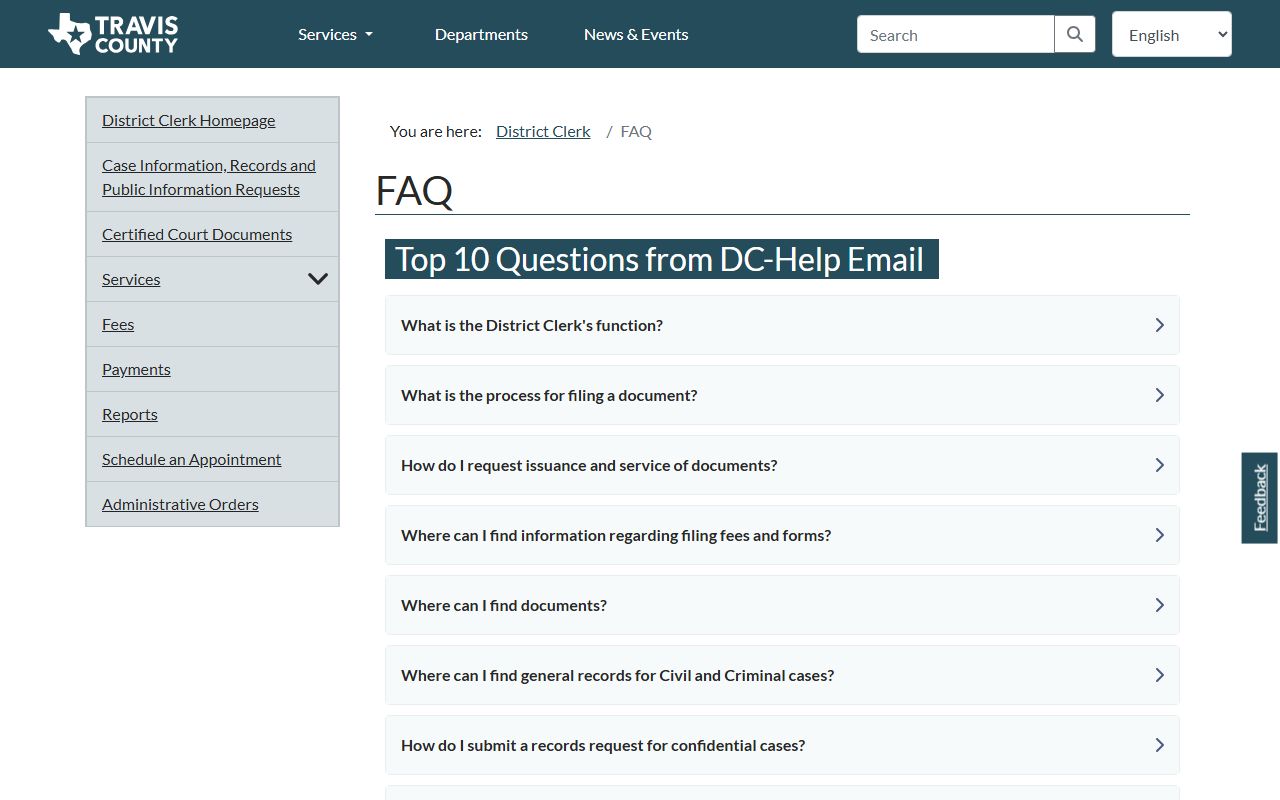
Those codes, like D-1-GN for general civil and D-1-FM for family, sort the District Clerk's files. The main record types are listed here.
- Civil records, including tort, contract, real estate, tax, and state administrative-agency appeals.
- Family records, including divorce, child support, custody, adoption, and name change.
- Criminal records, with felonies at the District Clerk and misdemeanors at the County Clerk.
- Probate records, including wills, estates, heirship, and guardianships.
- Justice court records, including small claims, evictions, and many traffic cases.
What Travis County Court Records Show
A case file tracks a matter from the first filing to the final order. The portal opens a case summary, then lists hearings and events in reverse order, newest first. Only the first 50 events show at once, so use Show More or Show All on a busy case. Online document images may be redacted, and some carry an unofficial watermark.
| Field | What It Shows |
|---|---|
| Case Number | The unique cause number; click it to open the full record |
| Filing Date | The date the clerk received the case |
| Parties | Plaintiff, defendant, petitioner, respondent, and attorneys |
| Hearings | Date, time, court, and judge for each setting |
| Events | Motions, orders, pleas, and dispositions in date order |
| Disposition | The outcome of a charge or claim |
Personal identifiers such as Social Security numbers are blocked on redacted images. Anonymous users see less than signed-in elevated users.
Coverage and Years Online for Travis County Court Records
The portal does not reach back forever, and the start date depends on the office and the record type. Knowing the cutoff saves you from thinking a real case does not exist. The District Clerk says family and civil cases run from 2006 to the present and criminal cases from 2008. The County Clerk reaches back further for index data because misdemeanor case data is online from January 1981, civil case data from June 1986, and probate case data from July 1992. Document images, though, come online later than the index entries that point to them.
Redacted document images have their own start dates. The County Clerk posts redacted civil documents from December 2005 and redacted probate documents from November 2009. Older cases may show an index entry with no image attached, which means the file exists but the scanned pages are not online. For those, a clerk copy request is the only route. The County Clerk also warns that the portal does not work in Internet Explorer and that most public documents are not yet watermarked, though the office is working to change that.
Note: An index entry with no document image still means the case is real; request the file from the clerk when the scanned pages are not posted online.
Public Access Framework for Travis County Court Records
Texas splits government records from court records. The Texas Public Information Act, Government Code Chapter 552, governs records held by county departments, but court case files are reached through the clerks and court rules instead. Travis County reflects this on its own pages. A court file uses a court-record request, while data, subscriptions, and non-case information use the open-records route. The Texas Public Information Act sets the policy that people may see government information unless the law says otherwise.
Anyone can search and view public court records online. Certified copies require a paid request and, for confidential files, proper ID or a court order. The Law Library court-records guide maps each search route across the clerks and the federal courts.
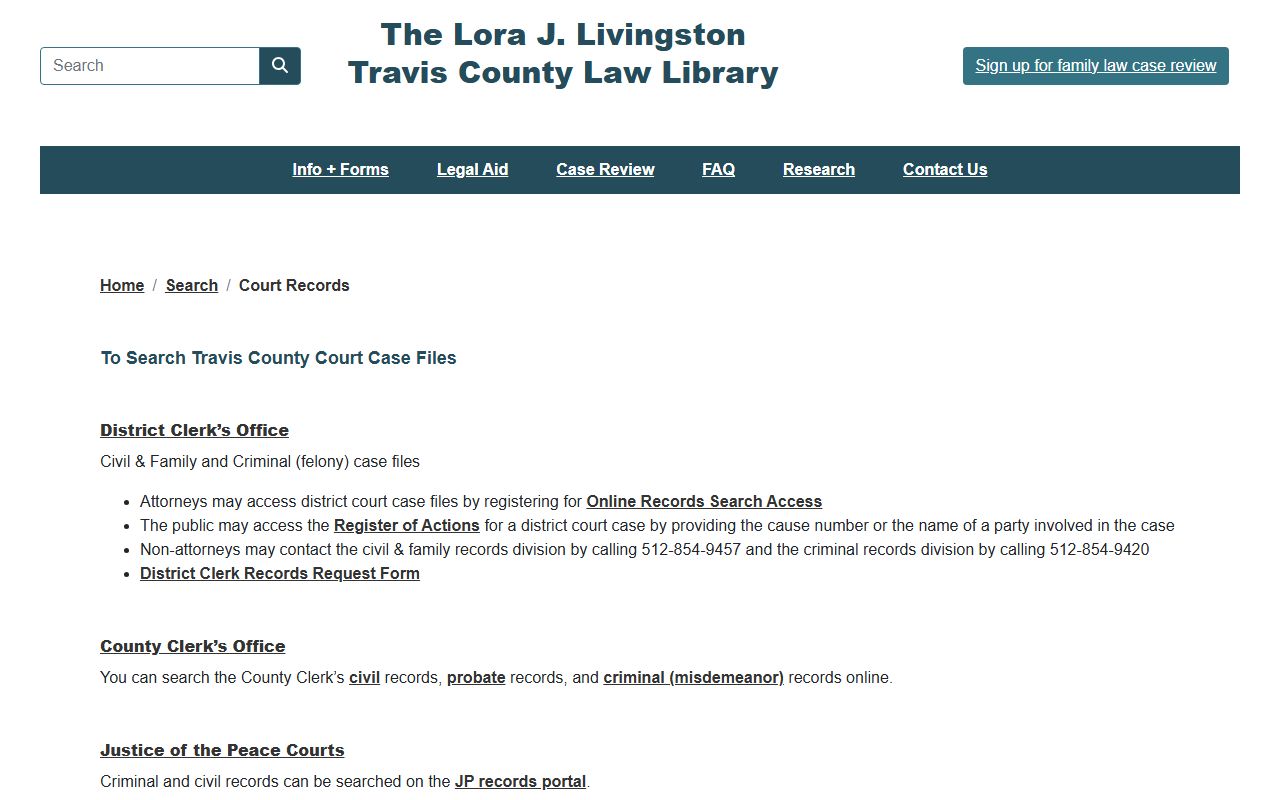
That guide is useful when a record could sit with more than one office.
Note: Public online viewing is free, but only the District Clerk or County Clerk can issue a certified copy that a court or agency will accept.
Records That Are Sealed or Confidential in Travis County
Some records never reach the public portal. Juvenile records are confidential under Family Code Chapter 58. Adoption records require a signed order. Sealed civil cases need a judge's findings before they close to the public. Expunged records are removed, and nondisclosed records are sealed from public release but stay open to criminal-justice agencies. Mental-health commitments and grand jury matters are also protected.
To view a sealed record, you usually must petition the court that sealed it. The District Clerk says confidential case records can be requested in person only by the assigned attorney or a party with proper ID. For criminal record sealing, the Travis County arrest records page covers expunction and nondisclosure in more depth.
Federal Cases Are Not in Odyssey
The county portal does not hold federal court records. Travis County sits in the Austin Division of the U.S. District Court for the Western District of Texas, and those files run through PACER and CM/ECF, not Odyssey. A free alternative for many opinions and dockets is CourtListener, though it is not the official record and may miss filings.
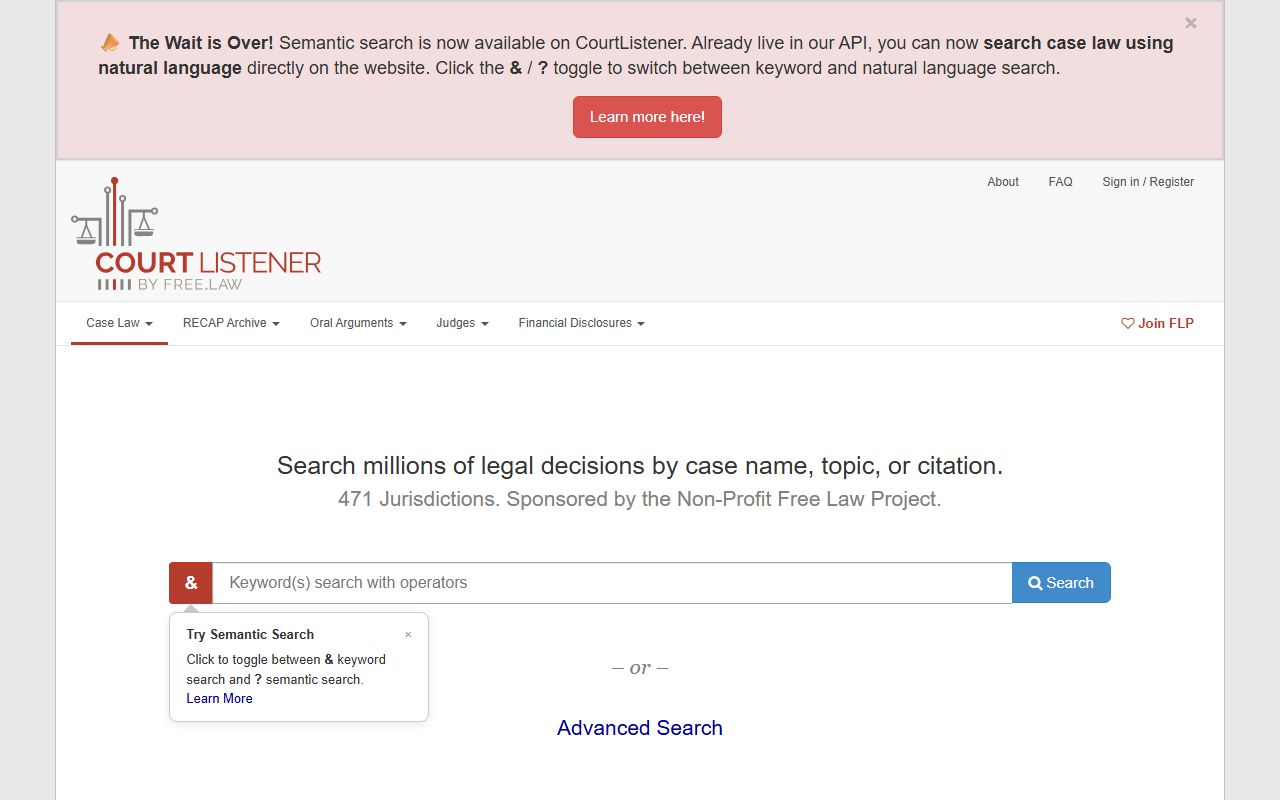
CourtListener is handy for a quick read, but for a certified federal record, use the official system. The Travis County federal records page explains PACER, CM/ECF, and the federal courthouse in Austin.
In-Person Court Record Requests
When you need an official copy, go to the clerk that holds the file. Civil and family records are downtown at 1700 Guadalupe. Bring a case number, party names, and payment. Office hours run Monday through Friday, 8:00 AM to 4:30 PM.
Travis County District Clerk
Civil and Family Records, Room 3.200
1700 Guadalupe Street
Austin, TX 78701
512-854-9457
Mon-Fri 8:00 AM-4:30 PM
Felony record requests go to the Gault Annex at 501 W. 11th Street, Room 2.300, Monday through Friday, 8:00 AM to 4:30 PM. County Clerk records, including misdemeanors and probate, are requested from the County Clerk. Bring a photo ID for any confidential file, since the District Clerk releases those in person only to the assigned attorney or a party to the case. A specific request, with a cause number and the exact document you need, moves faster than a broad one and lowers the search fee.